
How to use restaurant pages as the restaurant owner
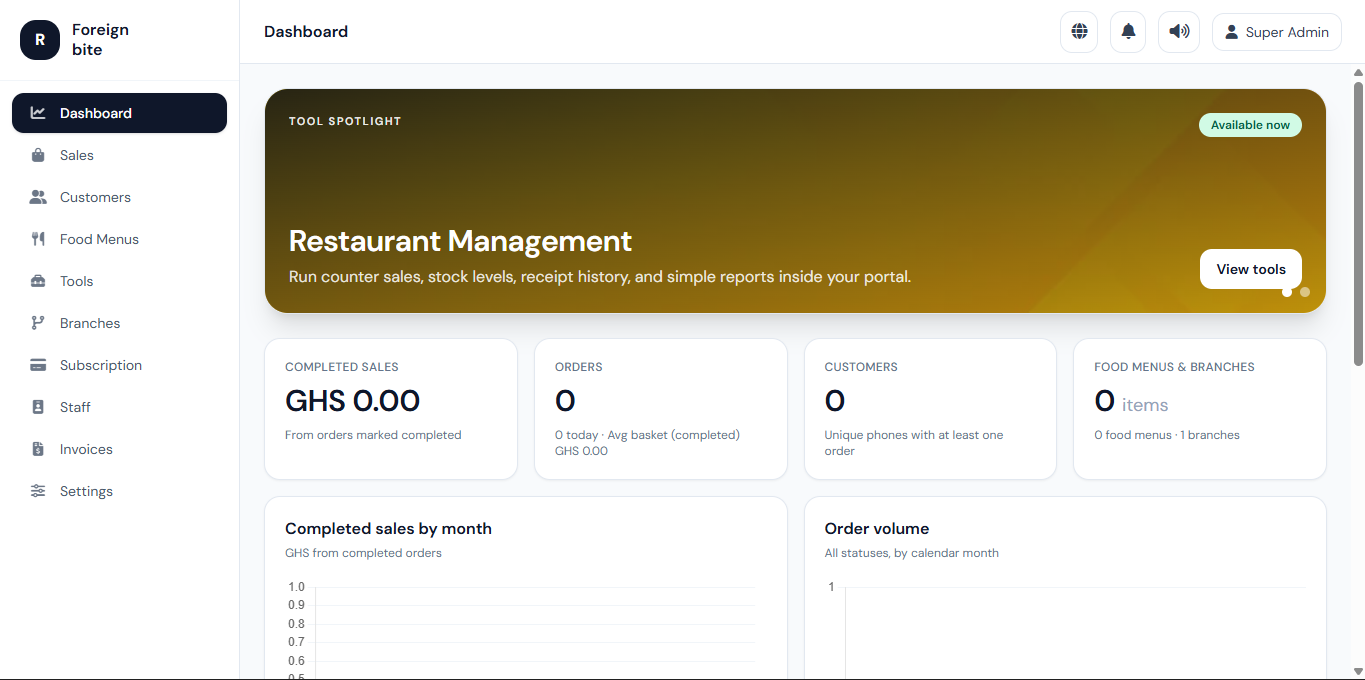
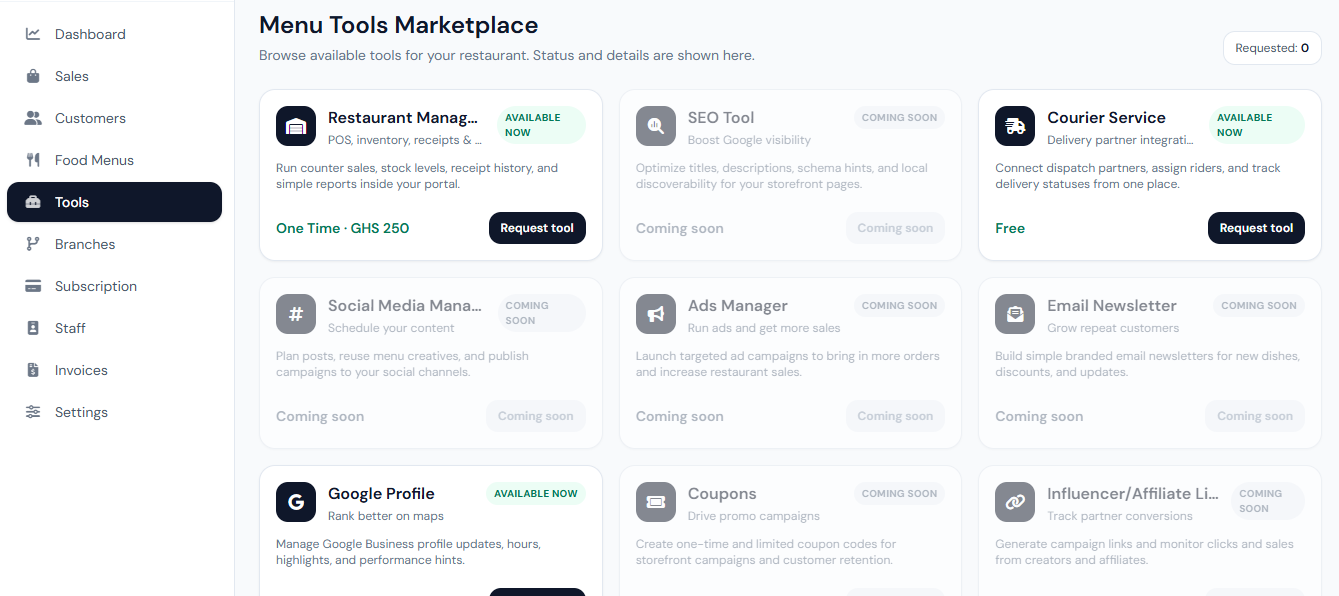
As the restaurant owner, you are the primary administrator for your workspace. These are the core areas you will use most often.
Dashboard
Use the dashboard for a quick snapshot of activity and shortcuts into important sections.
Food menus
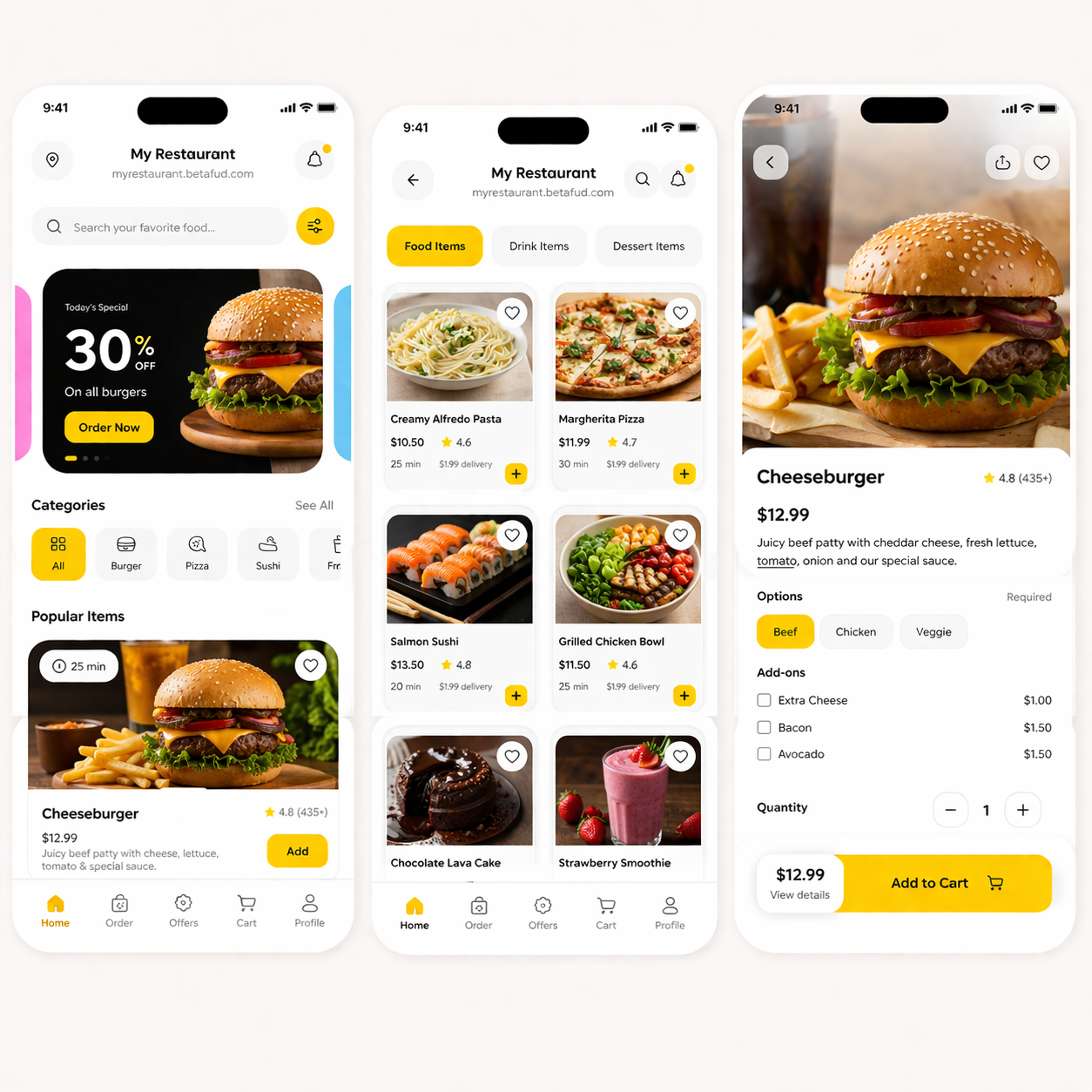
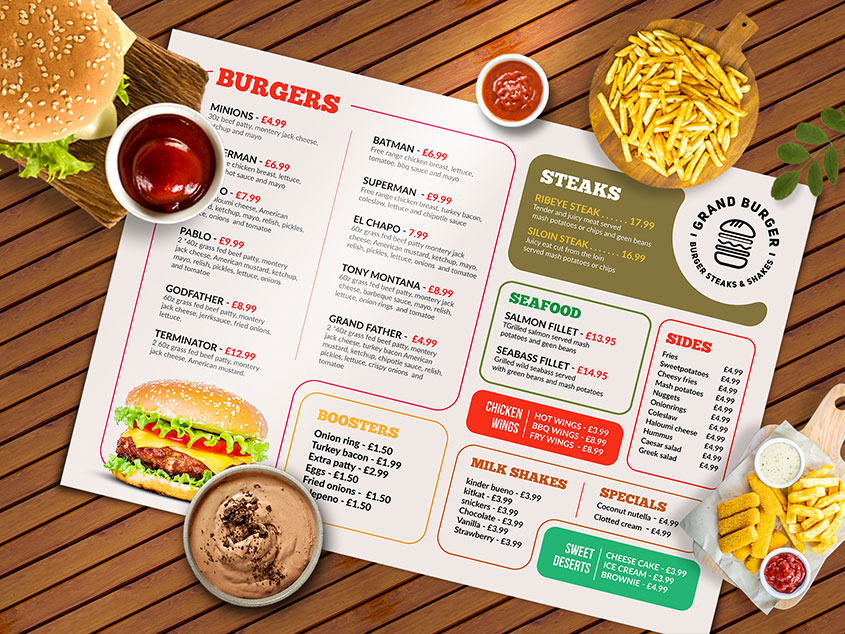
Build your public menu under Food Menus. Categories are managed by the platform administrator; you assign each dish to the correct category when you create or edit items.
Extras
Extras are optional add-on products that can also appear on your public site. They are separate from main dishes but still use the same category list.
Sales and customers
Review incoming orders, update statuses where your workflow allows, and use customer history to understand repeat buyers.
Branches and settings
Keep branch information accurate and update branding or contact details in settings so your storefront and receipts stay consistent.
Why this matters for restaurants
In a busy restaurant, small operational problems become expensive quickly: delays compound, errors repeat, and staff waste time switching between tools. BetaFud is designed to reduce friction by keeping ordering, menu operations, and daily workflow in one place.
What BetaFud helps you do
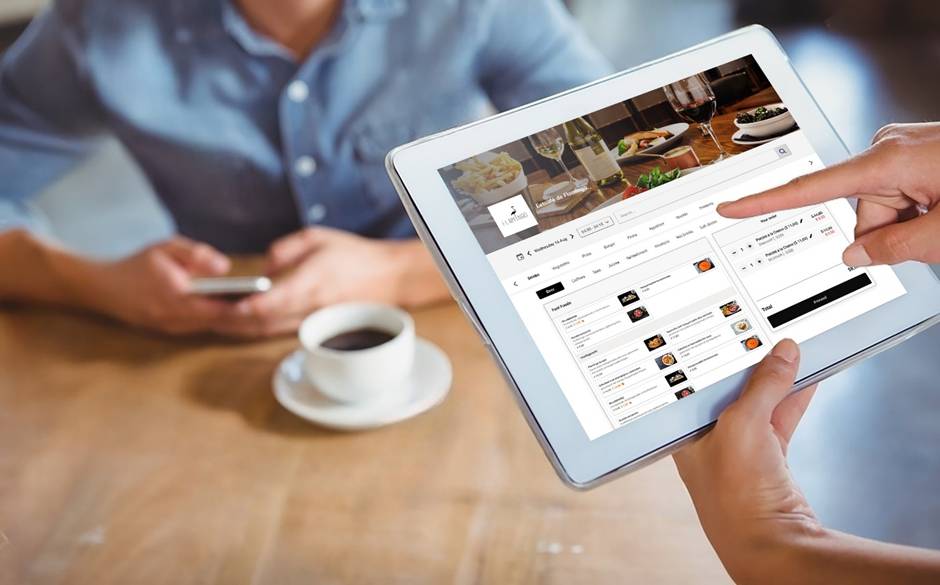
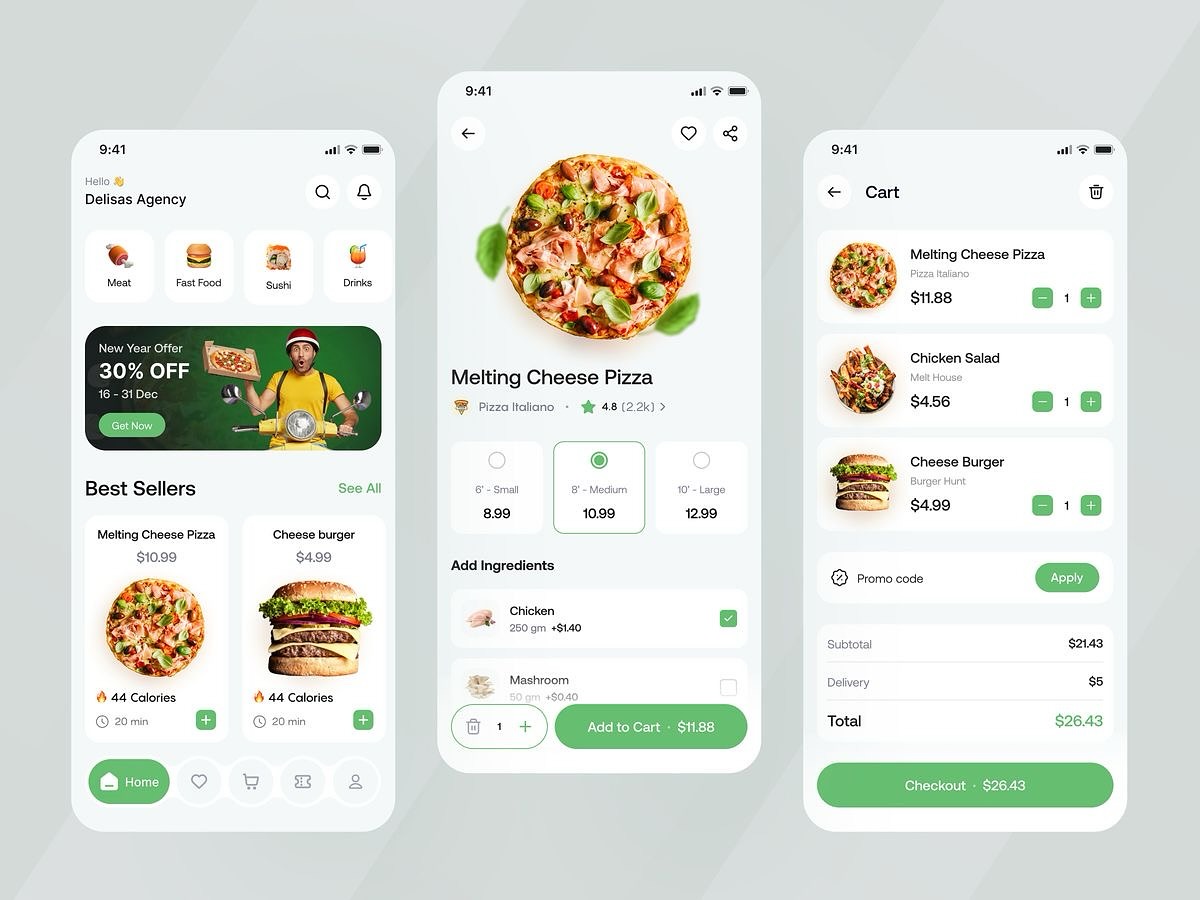
Restaurants use the platform to publish a clean ordering storefront, manage food menus and extras, handle orders, control staff access, and review performance with simple insights. The goal is clarity: customers order faster, and staff execute with fewer mistakes.
Practical next steps
If you want to apply the ideas in How to use restaurant pages as the restaurant owner, start with one improvement you can repeat daily. Make it measurable (time saved, fewer cancellations, higher basket size), and build from there. Consistency is the fastest path to growth.
Common mistakes to avoid
- Overcomplicating categories or dish names
- Adding too many extras that slow packing
- Letting orders sit without clear status updates
- Giving staff access without role control
Tip: Review your best-selling items weekly and keep their descriptions, photos, and add-ons sharp. That is the easiest way to increase conversions without increasing spend.





Comments
No comments yet. Be the first to comment.